S3 Has a Filesystem Now: So I Mounted It and Measured Everything
AWS launched S3 Files in April 2026 — I spun up an EC2, ran five experiments, and wrote down what actually happened
S3 Has a Filesystem Now: So I Mounted It and Measured Everything
When AWS launched S3 Files earlier this month, my immediate reaction was somewhere between "that's clever" and "wait, is this just EFS with extra steps?" The announcement called it "the first and only cloud object store with fully-featured, high-performance file system access." Bold claim.
So instead of reading more blog posts about it (there are already plenty of those, all written by people who also haven't tried it), I spun up an EC2, created a bucket, ran five experiments, and wrote down what actually happened. Including the parts that didn't work on the first try.
What S3 Files Actually Is
Before I get to the results, a quick mental model — because the AWS marketing copy is doing a lot of work here.
You've always had two ways to store data in the cloud: object storage (S3) and file storage (EFS). They're fundamentally different things.
Object storage is like a giant key-value store with HTTP API access. You upload a file, you get a URL, you download the full thing. No partial writes, no appending, no directory structure (the slashes in your keys are a lie — there are no actual folders). It's cheap, massively scalable, and the backbone of basically everything. But you can't cat a file in S3. You can't chmod it. You can't have two processes writing to it at the same time without designing around that.
File storage (EFS) gives you real POSIX filesystem semantics. Mount it, ls it, chmod things, let multiple EC2 instances write to it simultaneously. The catch: it costs about 10x more than S3 — around $0.30/GB vs $0.023/GB. And you can't slap a CloudFront in front of it.
S3 Files is AWS's attempt to get both: POSIX filesystem semantics on top of S3 storage, at near-S3 prices. Under the hood, it's EFS infrastructure acting as a hot cache layer in front of your S3 bucket. The protocol is NFS v4.1/4.2, which means it mounts like any NFS share — no custom SDK, no special client.
| S3 | EFS | S3 Files | |
|---|---|---|---|
| Storage cost | ~$0.023/GB | ~$0.30/GB | Near S3 prices (hot data only) |
| Filesystem semantics | No | Yes | Yes |
| POSIX permissions | No | Yes | Yes |
| CDN-able | Yes | No | Via S3 backend |
| Concurrent writers | No | Yes | Yes (25k connections) |
| Append operations | No | Yes | Yes |
| Max capacity | Unlimited | Unlimited | 125M objects per FS |
The 125 million object limit is real and worth knowing — it's a hard ceiling you can't raise.
Setting It Up (And the Parts That Bit Me)
Here's the complete setup. I'm including this because every other post glosses over it and the devil is absolutely in the details.
Prerequisites you can't skip:
- S3 bucket must have versioning enabled — S3 Files refuses to create a filesystem against a non-versioned bucket
- EC2 instance needs
amazon-efs-utilsv3.0.0+ — use the full Amazon Linux 2023 AMI, not the minimal one (the minimal AMI doesn't haveec2-instance-connectand SSM agent doesn't start on it) - NFS port 2049 must be open between your EC2 security group and the mount target's security group — both directions
That last one is the one that will silently time out on you for three minutes before you figure it out. (Ask me how I know.)
Creating the filesystem:
# Enable versioning first — non-negotiable
aws s3api put-bucket-versioning \
  --bucket my-s3files-bucket \
  --versioning-configuration Status=Enabled

# Create the service role (S3 Files needs this to access your bucket)
aws iam create-role \
  --role-name S3FilesServiceRole \
  --assume-role-policy-document file://trust-policy.json

# Create the filesystem
aws s3files create-file-system \
  --region ap-southeast-2 \
  --bucket arn:aws:s3:::my-s3files-bucket \
  --role-arn arn:aws:iam::123456789012:role/S3FilesServiceRole

# Create a mount target in the same subnet as your EC2
aws s3files create-mount-target \
  --region ap-southeast-2 \
  --file-system-id fs-xxxxxxxxxxxxxxxxx \
  --subnet-id subnet-xxxxxxxxx
The trust policy for the service role needs to trust elasticfilesystem.amazonaws.com — S3 Files is technically part of the EFS family of services, which is why the CLI command is aws s3files but the IAM principal is EFS. A bit confusing, but fine once you know.
Mounting on EC2:
sudo mkdir -p /mnt/s3files
sudo mount -t s3files fs-xxxxxxxxxxxxxxxxx:/ /mnt/s3files

# Verify
df -h /mnt/s3files
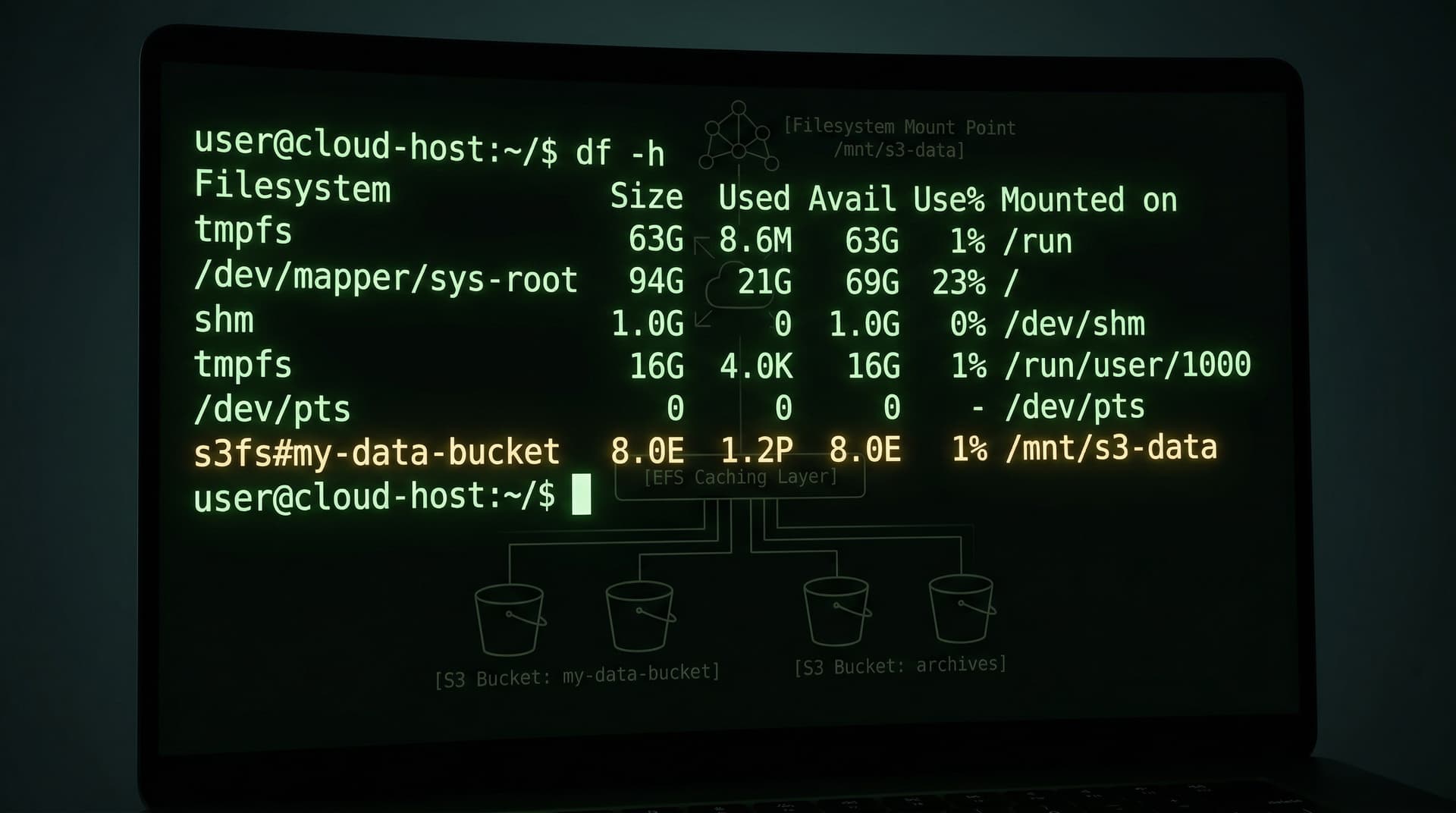
When you run df -h, you'll see this:
Filesystem      Size  Used Avail Use% Mounted on
127.0.0.1:/     8.0E     0  8.0E   0% /mnt/s3files
8.0E — eight exabytes. That's S3's effectively unlimited capacity rendering through the filesystem interface. It's a little surreal to see that in a df output.
One more thing: the mount root is owned by root with 700 permissions. You'll need sudo chmod 777 /mnt/s3files before non-root users can write to it. The automatic .s3files-lost+found-<filesystem-id> directory is also created at the root on first mount — that's where AWS puts conflicted file versions if concurrent writers produce a conflict it can't resolve.
The Five Experiments
1. Basic Filesystem Operations
My first question was simple: does this actually feel like a filesystem?
echo 'Hello from S3 Files!' > /mnt/s3files/hello.txt
cat /mnt/s3files/hello.txt

mkdir -p /mnt/s3files/myproject/src
echo 'console.log("hello")' > /mnt/s3files/myproject/src/index.js
chmod 755 /mnt/s3files/myproject/src/index.js
ls -la /mnt/s3files/myproject/src/
Output:
-rwxr-xr-x. 1 ec2-user ec2-user 30 Apr 9 00:34 index.js
Yes. It feels exactly like a filesystem. mkdir, chmod, POSIX ownership, directory hierarchy — all of it just works. If you blindfolded someone and sat them down at this terminal, they'd have no idea they were writing to S3.
2. Read Latency: Cold vs Warm
This is the one everyone wants to know about.
# First read (file was just written — already in EFS cache)
time cat /mnt/s3files/hello.txt > /dev/null
# real  0m0.003s

# Second and third reads
time cat /mnt/s3files/hello.txt > /dev/null
# real  0m0.002s
2-3 milliseconds for warm reads. That's real filesystem speed, not "S3 latency with extra steps."
The honest caveat: I didn't get a true cold read in this session because all my files were freshly written and already in the EFS cache layer. A genuine cold read — accessing an S3 object that's never been imported into the filesystem — takes seconds while the metadata is pulled. How many seconds depends on directory size. AWS says directories with millions of objects can take minutes on first access.
For a bucket you're starting fresh, this doesn't matter. For pointing S3 Files at an existing bucket full of data, plan for that cold import time.
3. The 60-Second Sync Delay (The Most Important Finding)
This is the gotcha that will cause production incidents if you're not aware of it.
S3 Files batches writes for up to 60 seconds before syncing them to the underlying S3 bucket. During that window, files exist on the filesystem but are completely invisible to anything reading S3 directly.
I measured it:
echo "written at $(date +%T)" > /mnt/s3files/sync-test.txt
# Written at: 00:34:38

# Check S3 immediately
aws s3 ls s3://my-bucket/
# Result: empty (file doesn't exist in S3 yet)

sleep 70

# Check S3 again
aws s3 ls s3://my-bucket/
# 2026-04-09 10:35:33    21 hello.txt
# 2026-04-09 10:35:42    20 sync-test.txt
The file appeared in S3 55 seconds after it was written to the filesystem.
Why does this matter? If you have:
- A Lambda function that reads from S3
- A data pipeline that polls
aws s3 ls - Another service doing
aws s3 cp - EventBridge rules triggered by S3 object creation
...none of them will see your writes for roughly a minute. This is by design — it's how S3 Files keeps request costs low — but it's a significant architectural constraint if you're mixing S3 Files writes with direct S3 reads.
The use case this doesn't affect: workloads where everything goes through the mounted filesystem. If your processes all mount the filesystem and read/write through it, they see changes immediately. The delay only shows up at the S3 API layer.
4. Concurrent Writers
Two processes appending to the same file simultaneously, 200ms apart:
(for i in {1..5}; do
  echo "writer1-line$i at $(date +%T.%N)" >> /mnt/s3files/concurrent.txt
  sleep 0.2
done) &

(for i in {1..5}; do
  echo "writer2-line$i at $(date +%T.%N)" >> /mnt/s3files/concurrent.txt
  sleep 0.2
done) &

wait
cat /mnt/s3files/concurrent.txt
Result:
writer1-line1 at 00:35:57.651
writer2-line1 at 00:35:57.649
writer1-line2 at 00:35:57.867
writer2-line2 at 00:35:57.871
...
All 10 lines. Zero data loss. The .s3files-lost+found directory stayed empty — no conflicts.
The writes interleaved at millisecond precision, which tells you the NFS locking is working correctly. This is the whole point of S3 Files for multi-agent or multi-worker workloads: thousands of compute resources can write to the same filesystem without you having to build any synchronization layer on top.
5. Large File Throughput
# Write 200MB
time dd if=/dev/urandom of=/mnt/s3files/bigfile.bin bs=1M count=200
# 200MB in 0.941s = 223 MB/s

# Read it back (first time)
time md5sum /mnt/s3files/bigfile.bin
# real 0m0.949s  (~211 MB/s)

# Read again (cached)
time md5sum /mnt/s3files/bigfile.bin
# real 0m0.352s  (~570 MB/s)
On a t3.micro. 223 MB/s writes, up to 570 MB/s cached reads.
The EFS cache layer warms up across reads — the third read was 2.5x faster than the first. For large files over 128KB, the first read streams directly from S3 (bypassing the EFS cache), which is why it's slower. Subsequent reads come from the hot EFS layer.
For an ML training workload loading the same dataset repeatedly across epochs, this caching behaviour is genuinely useful.
When To Actually Use It
Based on the experiments, here's how I'd think about the decision:
Use S3 Files when:
- You have data already in S3 and want to process it with file-based tools without copying it
- Multiple compute resources (EC2s, Lambda functions, EKS pods) need to read/write the same data simultaneously
- You're building agentic or ML workloads that need shared mutable filesystem state
- You want S3's durability and pricing with the developer experience of a filesystem
Stick with EFS when:
- Your filesystem needs to be always-hot and always-fresh — no 30-day data expiry from the cache
- You can't tolerate any cold read latency (existing large datasets need import time)
- You need Kerberos auth or other NFS features S3 Files doesn't support yet
Stay on regular S3 when:
- You're doing bulk archival, CDN origin, or static asset serving — no filesystem semantics needed
- Your object count will exceed 125 million
- You need instant S3 API visibility of writes (not the 60-second batched sync)
The sweet spot is specifically the "I have lots of data in S3 and I want filesystem access to it" scenario. For AI workloads, this is almost purpose-built: your training data lives in S3 (where it's cheap), but your training code gets a real filesystem interface to read and write it.
What This Means for AI Agents
One use case worth calling out specifically: agentic systems that need persistent shared storage.
Right now, most agent architectures have an awkward relationship with storage. Local disk is fast but ephemeral — your EC2 disappears and so does the state. EFS gives you shared persistence but at significant cost, and it's not S3 (so you lose all the S3 ecosystem integrations). S3 gives you durability and the ecosystem, but you're writing custom sync code every time an agent needs to read what another agent wrote.
S3 Files collapses this into: mount the bucket, read and write files, let AWS handle the sync. Multiple agents can access the same working directory, see each other's changes (with the caveat that the 60-second sync delay applies if any agent is reading via the S3 API rather than the filesystem mount).
For something like Agent Mac — my personal AI agent that runs on a Mac and needs to persist its vault of notes and decisions — this would be an interesting way to make the vault accessible from cloud compute without managing any sync infrastructure. Tempting.
The One Sentence Version
S3 Files delivers what it promises: real filesystem semantics on S3 storage, with throughput that makes you forget you're talking to object storage — just know that your writes take about a minute to appear in S3's API, and plan your architecture accordingly.
If you want to reproduce any of these experiments yourself, the full setup commands and teardown scripts are on my GitHub. The whole thing cost about $0.40 and two hours, which honestly feels like a good deal for "does this work or not?"